
Concept to visual tags
Breaks a loose visual idea into subject, physical traits, clothing, location, composition, lighting, and style directions.
From mood to prompt
For these models, do not rely on classic Stable Diffusion weighting patterns such as ((keyword)), (keyword:1.3), or repeated emphasis syntax. Use clear visual language, ordered priorities, and direct trait descriptions instead.
Use Imagine to test one visual variable at a time, then transfer the refined tags into the target Kyn or image prompt.
Select the cyan prompt text, copy it with Ctrl+C or Cmd+C, then paste it into Imagine.
IMAGINE // CONTROLLED VISUAL TEST

Target image: [describe subject and scene]
Current prompt/tags: [paste the baseline]
Problem observed: [what the generated image gets wrong]
Must remain unchanged: [details that already work]
Variable to test: [one tag, weight, style, scheduler, framing choice, etc.]

Create:
1. A conservative revision.
2. One A/B alternative changing only the selected variable.
3. A short explanation of the expected visual difference.
4. A warning where the result depends on uncertain model behavior.

Do not present weight arithmetic as guaranteed.
Keep both prompts compact and copyable.

Model syntax rule:
If the target is ZIT or SK-Alpha, do not use keyword-weight emphasis such as ((keyword)), (keyword:1.3), or repeated weighting tricks. Use plain ordered visual descriptions instead.

Tag reference: Visit https://danbooru.donmai.us/tags for more tags reference.
Imagine is designed for exploration rather than unquestioned authority. Describe the picture, isolate the uncertain part, generate alternatives, and compare results. The assistant is especially useful when a new user does not yet know the vocabulary for a look.
Breaks a loose visual idea into subject, physical traits, clothing, location, composition, lighting, and style directions.
From mood to promptProduces compact A/B variants so one keyword, weight, scheduler idea, or stylistic choice can be tested without changing everything.
One variable at a timeHelps new users find visual directions by playing with media, shading, line-art, texture, framing, and lighting language.
Learn through resultsThese five examples are visual reference cases for Imagine: fantasy scale, hybrid anatomy, stylized species traits, angelic form language, and armored character design. Use them as test subjects for prompt structure rather than as fixed templates.
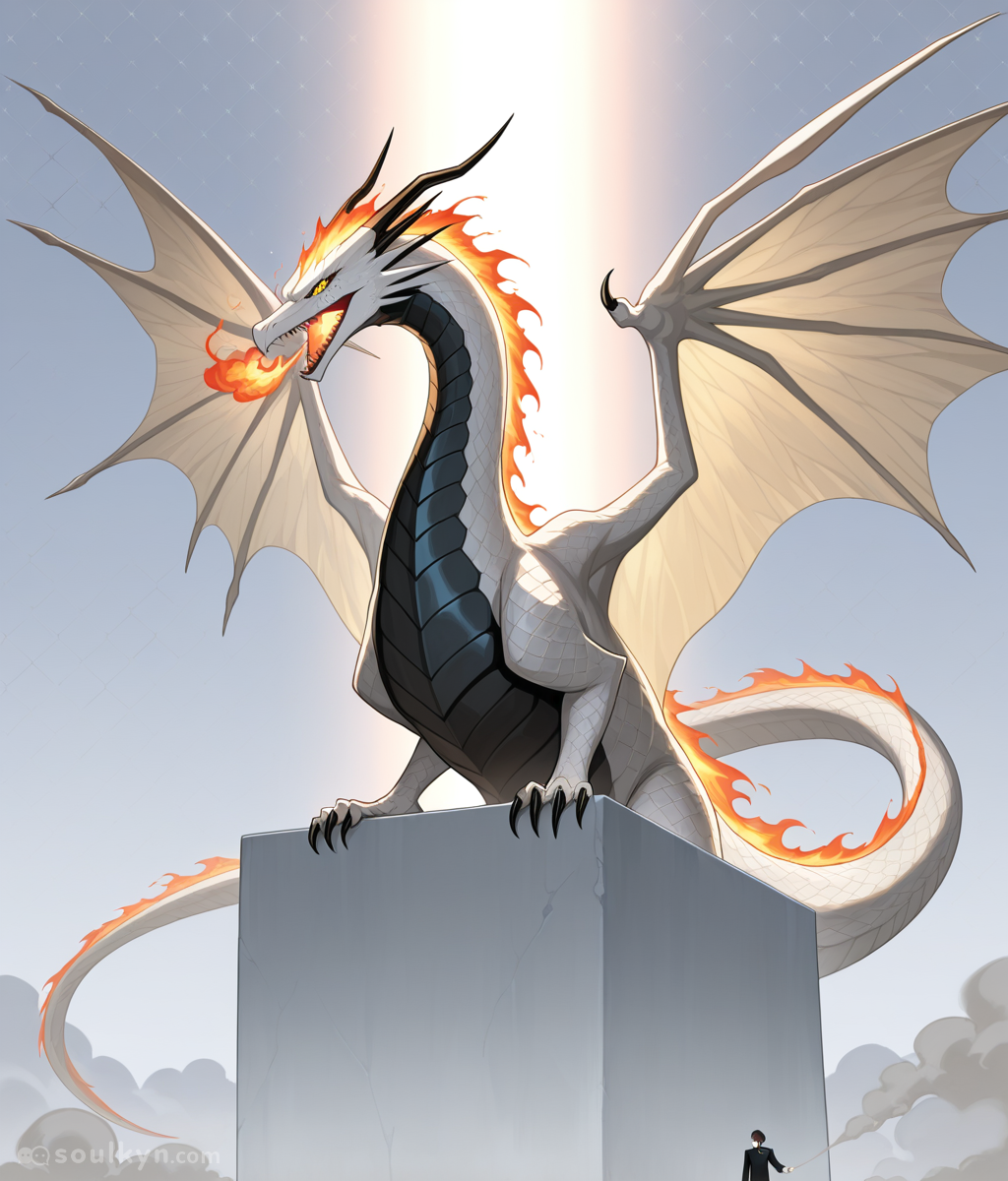
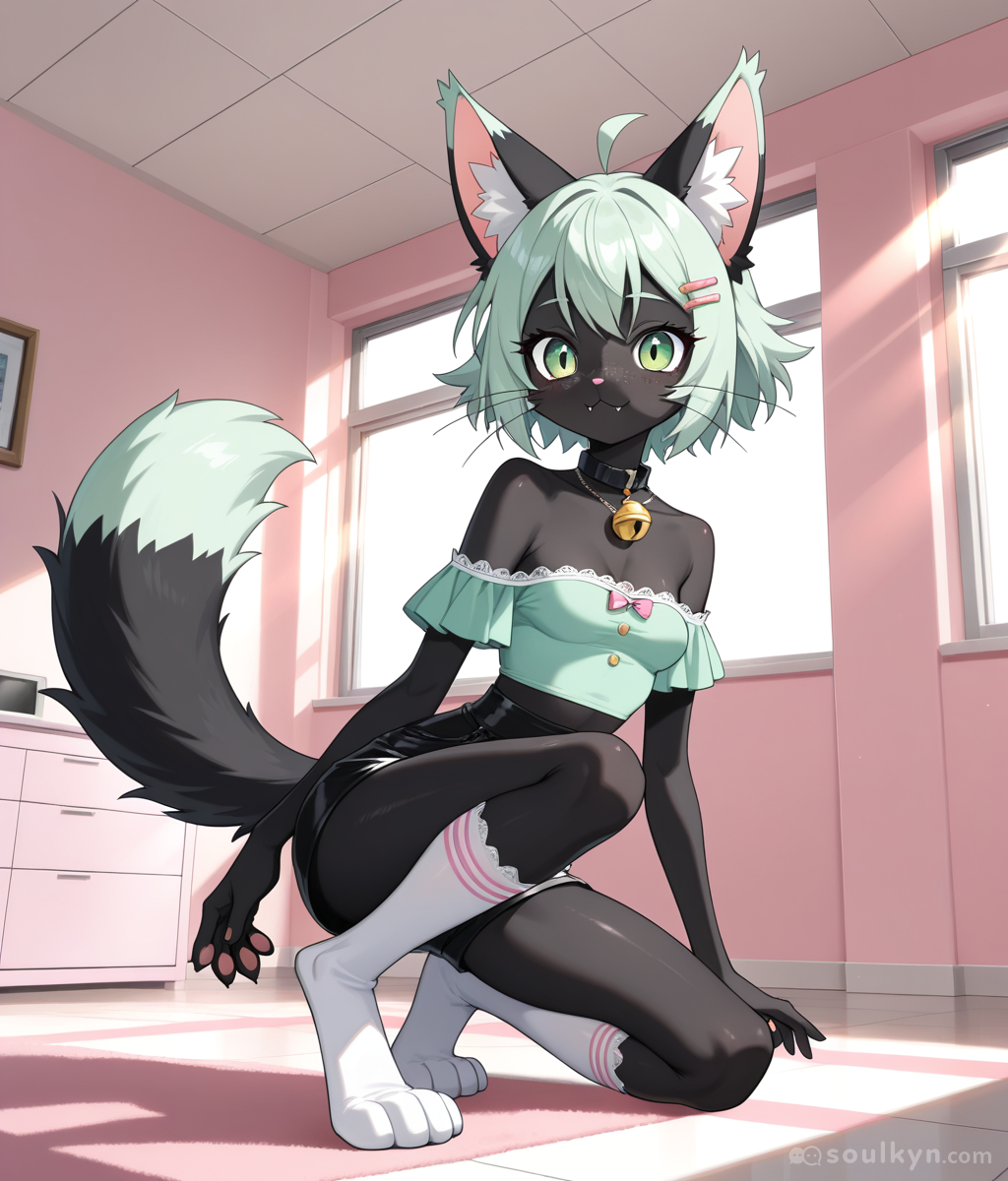


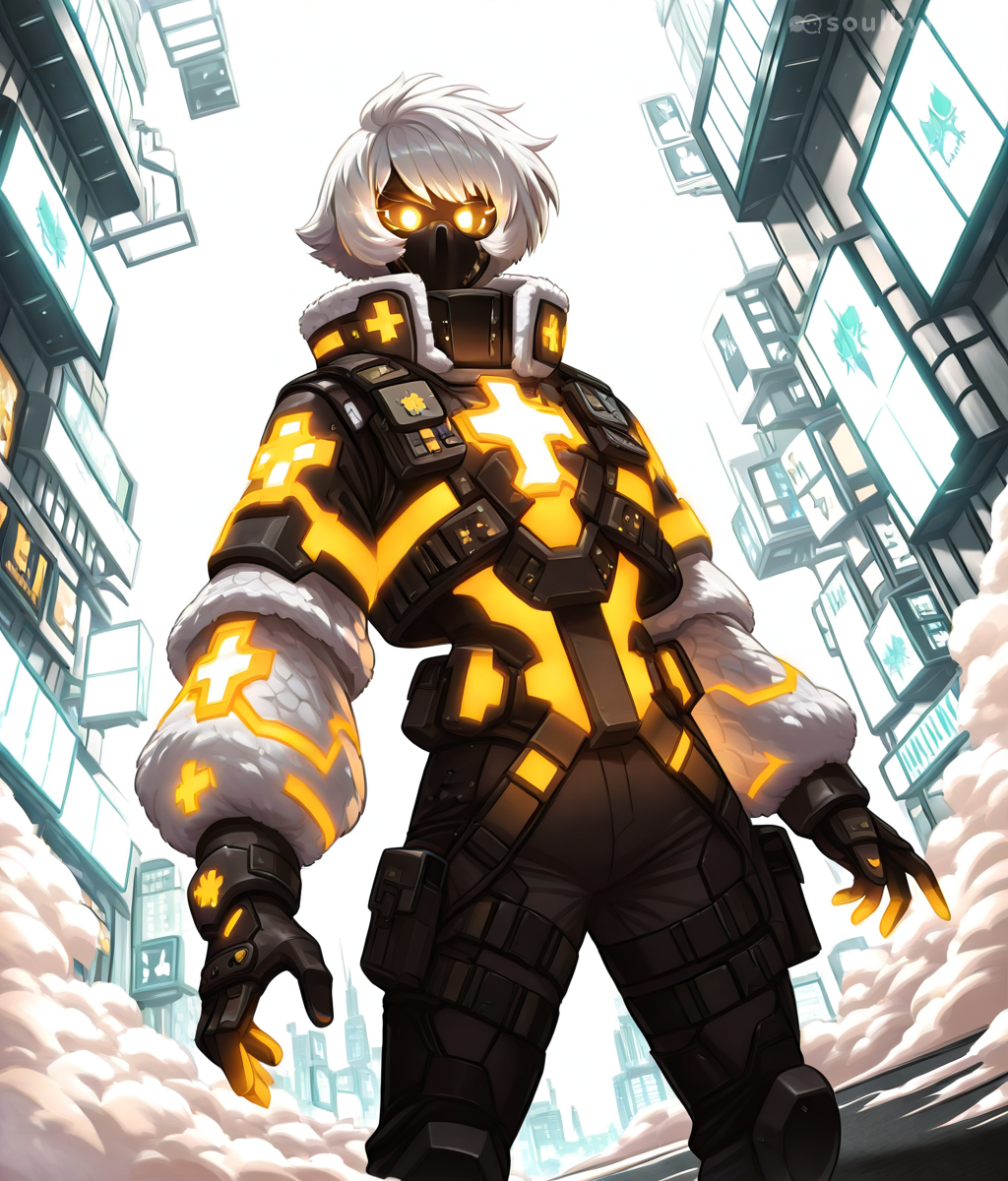
Imagine has information about Stable Diffusion and Soulkyn’s weight system, but it may hallucinate exact arithmetic, overstate a keyword’s reliability, or lag behind model changes.
State subject, composition, style, must-keep details, and the one problem you want to solve.
Report what changed visually instead of saying only “bad” or “wrong.”
Visit Danbooru for more tag keywords reference.
Imagine is the experiment partner. Documentation and community testing are the long-form curriculum.
SDXL, LoRAs, schedulers, prompt strength, weights, stylization, presets, and inpainting.
Open reference ↗ Community guideAdvanced Character LookPractical physical, clothing, background, and weighting examples.
Open guide ↗ Community guideGuide to StylesVisual vocabulary for shading, line-art, proportions, texture, composition, and simulated media.
Open guide ↗